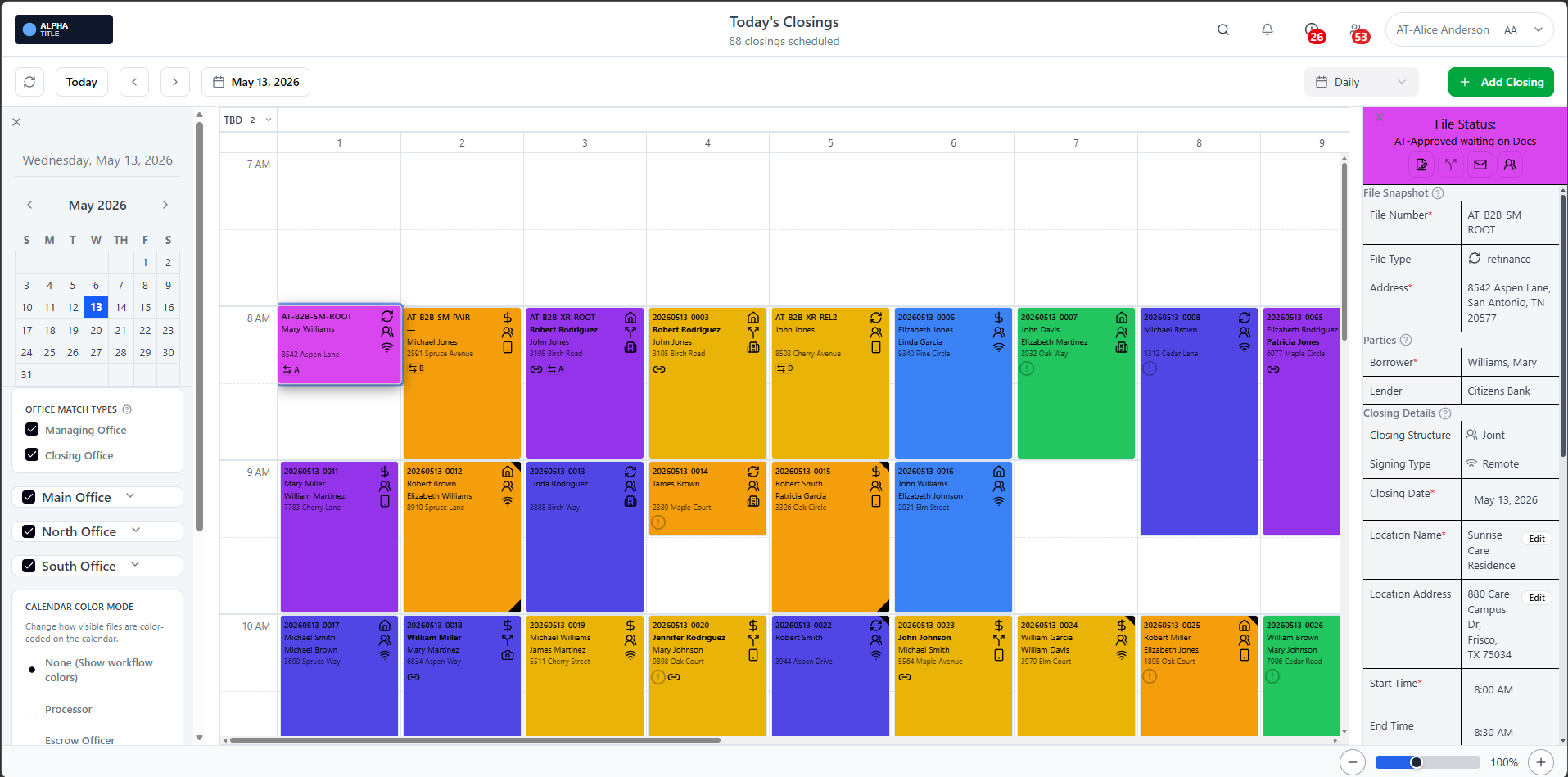
Operational control from one workspace
Track the entire day from a single dashboard so processors, closers, and support staff can align quickly and keep files moving.
Feature Spotlight
ClosingTrak gives your team one live operational view for closings. Schedules, assignments, and event context stay connected so everyone works from the same source of truth.
Track the entire day from a single dashboard so processors, closers, and support staff can align quickly and keep files moving.
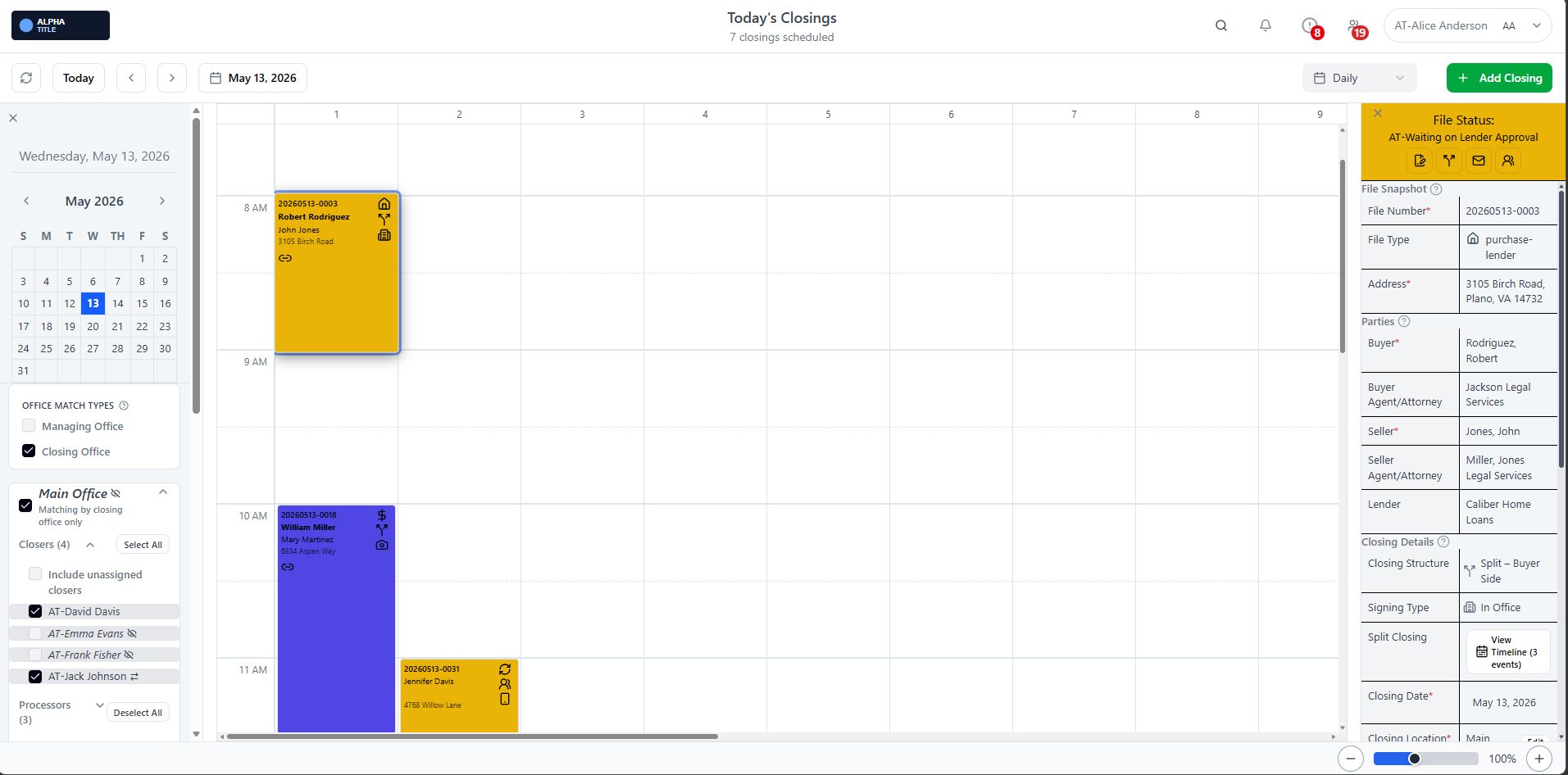
Narrow views by office, role, or status to focus each team member on the right priorities.
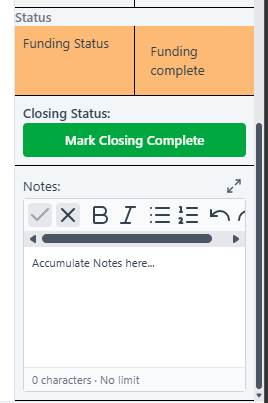
Surface timeline context, assignment information, and status details without bouncing between tools.
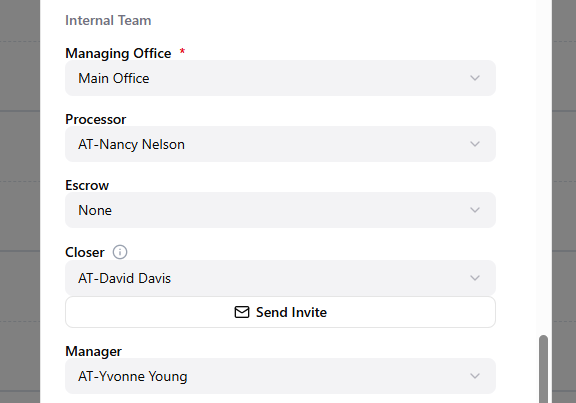
Make responsibility clear at a glance so handoffs are cleaner and accountability is easier to manage.
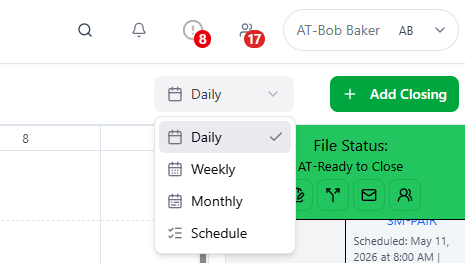
Move between daily, weekly, monthly, and schedule views to match the decision you need to make.
Help Shape ClosingTrak